
Complete Guide to Smartphone Photography: Tips and Tricks
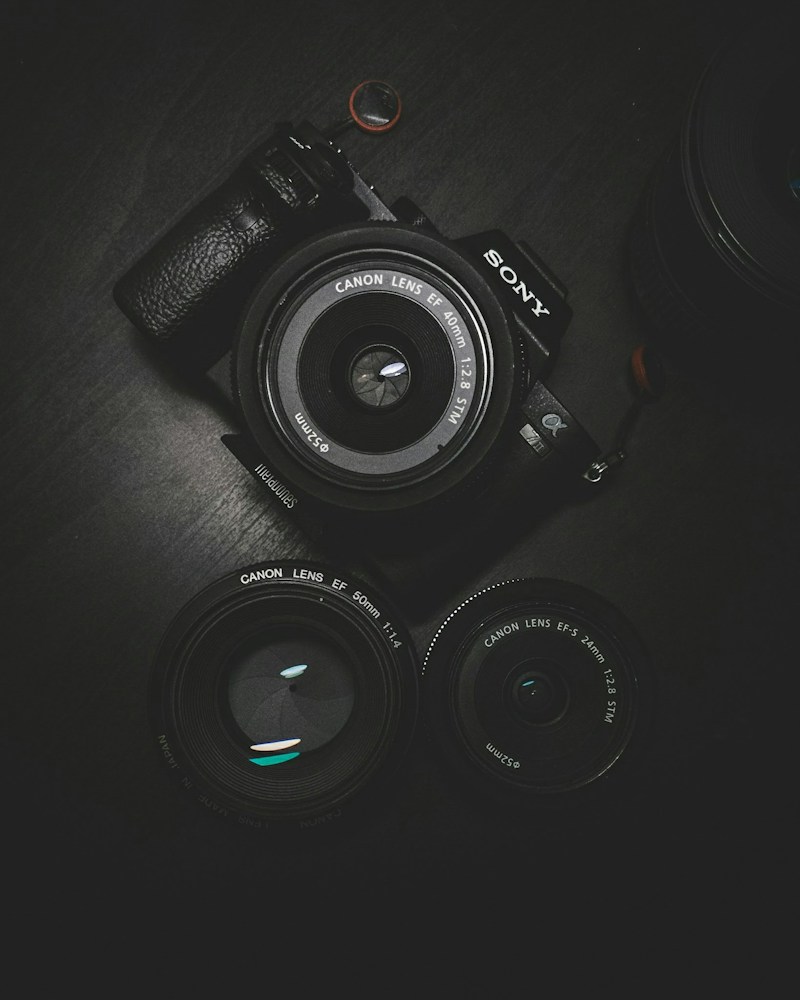
Your smartphone camera is incredibly powerful, but most people only use automatic mode. Learn how to take stunning photos with these professional techniques using any smartphone from BizPot.lk.
1. Understand the Rule of Thirds
Enable the grid lines in your camera settings. Place your subject along the grid lines or at their intersections for more visually appealing compositions. This simple technique instantly improves your photos.
2. Clean Your Lens
It sounds obvious, but a dirty lens ruins photos. Your phone spends all day in pockets and bags, collecting fingerprints and dust. Wipe the lens with a soft cloth before taking important photos.
3. Use Natural Light
Natural light is your best friend. Shoot during golden hour (early morning or late afternoon) for warm, soft light that flatters subjects. Avoid harsh midday sun that creates unflattering shadows.
4. Master Focus and Exposure
Tap on your subject to focus, then slide up or down to adjust exposure. A properly exposed photo with sharp focus is the foundation of good photography. Don't rely on auto-mode all the time.
5. Use Portrait Mode Effectively
Portrait mode creates beautiful background blur (bokeh). Use it for people, pets, and objects where you want the subject to stand out. Keep a distance of 2-8 feet from your subject for best results.
6. Shoot in Pro/Manual Mode
Most modern smartphones have a Pro or Manual mode that lets you control:
- ISO: Lower ISO (100-400) for less noise in good light.
- Shutter Speed: Faster for action, slower for light trails.
- White Balance: Adjust for accurate colors in different lighting.
- Focus: Manual focus for precise control.
7. Use Leading Lines
Roads, fences, rivers, and architectural elements can lead the viewer's eye to your subject. Look for natural lines in your environment that create depth and guide attention.
8. Edit Your Photos
Post-processing is not cheating - it's part of photography. Use apps like Snapseed, Lightroom Mobile, or VSCO to:
- Adjust brightness and contrast
- Enhance colors and saturation
- Crop for better composition
- Add filters for mood
9. Use the Back Camera
The front camera is lower quality than the back camera. For important photos, use the back camera and set a timer or ask someone to take the photo for you.
10. Practice and Experiment
The best way to improve is to take lots of photos and experiment with different techniques. Don't be afraid to try new angles, perspectives, and settings.
Need a phone with a great camera? Check out our smartphone collection at BizPot.lk.