
How to Protect Your Devices from Cyber Threats in 2026
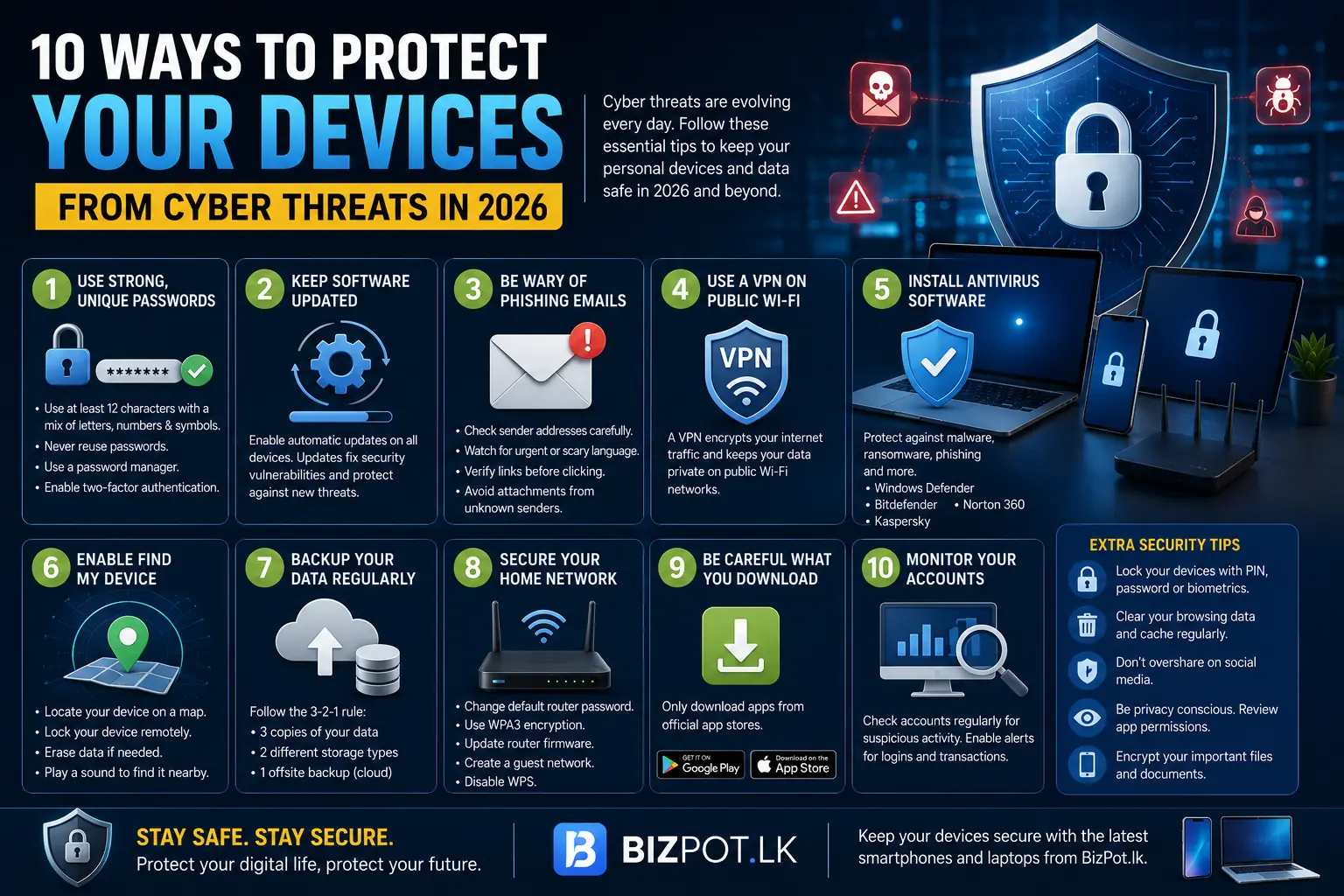
Cyber threats are becoming increasingly sophisticated in 2026. From phishing emails to malware attacks, protecting your personal devices and data is more important than ever. Here's how to keep your gadgets safe.
1. Use Strong, Unique Passwords
The foundation of digital security is strong passwords. Follow these rules:
- Use at least 12 characters with a mix of uppercase, lowercase, numbers, and symbols.
- Never reuse passwords across different accounts.
- Use a password manager like Bitwarden or 1Password to generate and store unique passwords.
- Enable two-factor authentication (2FA) wherever possible.
2. Keep Software Updated
Software updates often contain critical security patches. Enable automatic updates on all your devices - smartphones, laptops, tablets, and routers. Outdated software is one of the most common entry points for hackers.
3. Be Wary of Phishing Emails
Phishing emails trick you into revealing personal information. Watch for:
- Suspicious sender addresses (misspelled domain names).
- Urgent language requesting immediate action.
- Links that don't match the supposed sender's website.
- Attachments from unknown senders.
4. Use a VPN on Public Wi-Fi
Public Wi-Fi networks are playgrounds for hackers. A Virtual Private Network (VPN) encrypts your internet traffic, making it unreadable to others. Always use a VPN when connecting to public Wi-Fi at cafes, airports, or hotels.
5. Install Antivirus Software
Modern antivirus software goes beyond virus detection. It protects against malware, ransomware, phishing, and more. Popular options include:
- Windows Defender (built into Windows 10/11)
- Bitdefender
- Norton 360
- Kaspersky
6. Enable Find My Device
Enable "Find My Device" on all your devices. If your phone, tablet, or laptop is lost or stolen, you can:
- Locate the device on a map
- Lock the device remotely
- Erase all data to prevent unauthorized access
- Play a sound to help find it nearby
7. Backup Your Data Regularly
Regular backups protect you against data loss from theft, damage, or ransomware. Use the 3-2-1 rule:
- 3 copies of your data
- 2 different storage types (external drive + cloud)
- 1 offsite backup (cloud storage)
8. Secure Your Home Network
Your home network is your first line of defense:
- Change the default router password
- Use WPA3 encryption (or WPA2 at minimum)
- Update router firmware regularly
- Create a separate guest network for visitors
- Disable WPS (Wi-Fi Protected Setup)
9. Be Careful What You Download
Only download apps from official app stores (Google Play Store, Apple App Store). Avoid downloading software from unknown websites or clicking on download links in emails.
10. Monitor Your Accounts
Regularly check your bank statements, email accounts, and social media for suspicious activity. Set up alerts for unusual login attempts or transactions.
Keep your devices secure with the latest smartphones and laptops from BizPot.lk.