
How to Build a PC Gaming Setup on a Budget in 2026
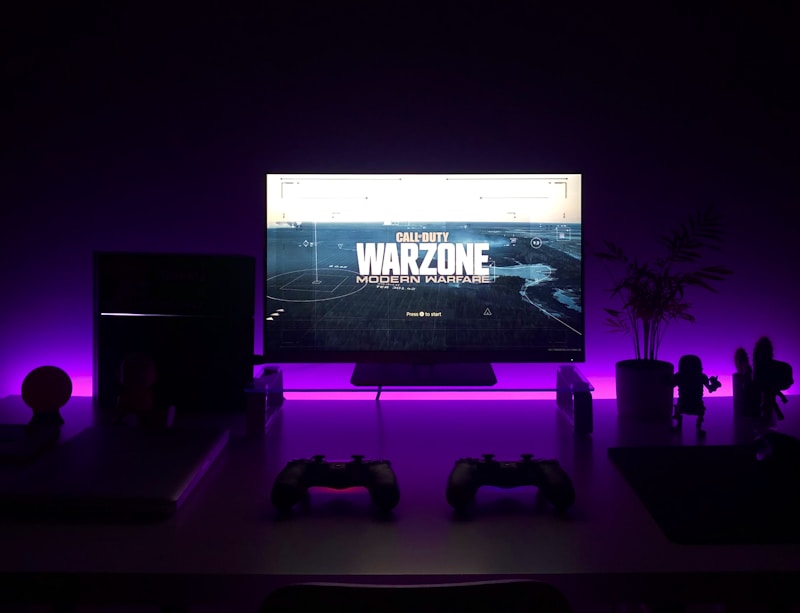
PC gaming doesn't have to be expensive. With careful planning and smart component choices, you can build a capable gaming PC that plays modern games at good settings. Here's how to build a budget gaming setup with parts available at BizPot.lk.
Budget Gaming PC Build - Under $500
Processor (CPU): AMD Ryzen 5 5600
The Ryzen 5 5600 offers 6 cores and 12 threads, delivering excellent gaming performance at an affordable price. It handles modern games without bottlenecking your GPU.
Graphics Card (GPU): NVIDIA GTX 1660 Super or RX 6600
These cards offer the best value for budget gaming. They can run most games at 1080p with medium to high settings at 60+ FPS. Look for sales and deals to get the best price.
Memory (RAM): 16GB DDR4 3200MHz
16GB is the sweet spot for gaming in 2026. Most games recommend 16GB, and having enough RAM prevents stuttering and lag. Get two 8GB sticks for dual-channel performance.
Storage: 500GB NVMe SSD
An NVMe SSD is essential for fast load times. 500GB gives you enough space for Windows and several games. Add a 1TB HDD later for mass storage.
Motherboard: B550 or B450
A B550 motherboard offers good features at an affordable price. Look for one with at least 4 RAM slots and an M.2 NVMe slot for future upgrades.
Power Supply: 550W 80+ Bronze
Don't cheap out on the power supply. A quality 550W unit from Corsair, EVGA, or Seasonic provides clean, stable power and room for upgrades.
Case: Budget ATX Mid-Tower
A good case with proper airflow keeps your components cool. Look for cases with pre-installed fans and cable management features.
Budget Gaming Peripherals
- Monitor: 24-inch 1080p 144Hz - Perfect for budget gaming.
- Keyboard: Mechanical keyboard with RGB lighting.
- Mouse: Gaming mouse with adjustable DPI.
- Headset: Gaming headset with surround sound.
Where to Save Money
- Buy components during sales events.
- Consider refurbished or open-box items.
- Start with a smaller SSD and add storage later.
- Use your existing monitor and peripherals initially.
Performance Expectations
This build can handle:
- Fortnite: 120+ FPS at 1080p competitive settings
- Valorant: 200+ FPS at 1080p
- GTA V: 80+ FPS at 1080p high settings
- Cyberpunk 2077: 50-60 FPS at 1080p medium settings
Upgrade Path
This build is upgrade-friendly:
- Upgrade GPU for better performance
- Add more RAM (up to 32GB)
- Add additional SSD/HDD storage
- Upgrade CPU to Ryzen 7 5800X later
Find all the components you need at BizPot.lk. We offer competitive prices and free shipping.