
How to Set Up Your New Smartphone: A Complete Guide
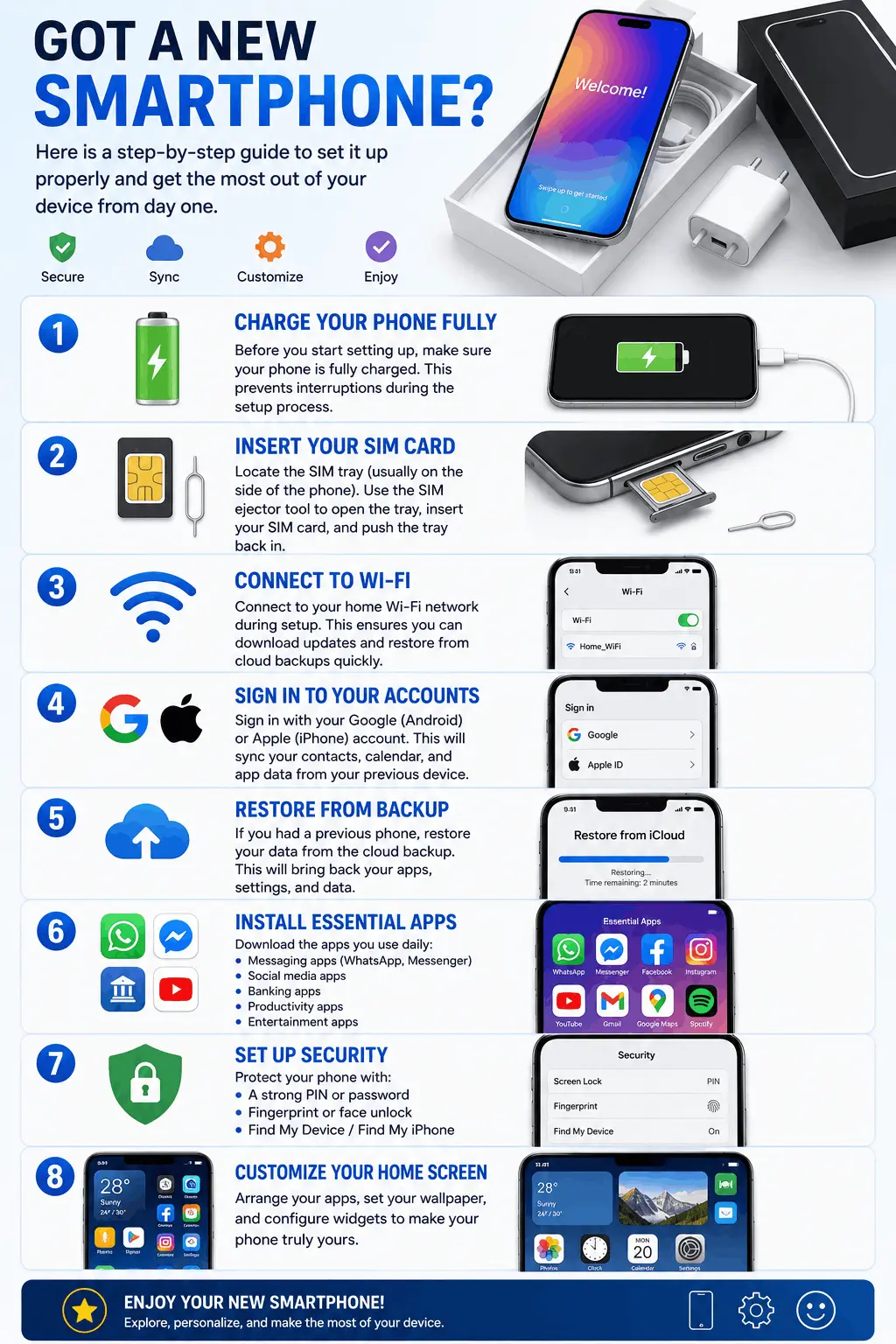
Got a new smartphone? Here is a step-by-step guide to set it up properly and get the most out of your device from day one.
Step 1: Charge Your Phone Fully
Before you start setting up, make sure your phone is fully charged. This prevents interruptions during the setup process.
Step 2: Insert Your SIM Card
Locate the SIM tray (usually on the side of the phone). Use the SIM ejector tool to open the tray, insert your SIM card, and push the tray back in.
Step 3: Connect to Wi-Fi
Connect to your home Wi-Fi network during setup. This ensures you can download updates and restore from cloud backups quickly.
Step 4: Sign In to Your Accounts
Sign in with your Google (Android) or Apple (iPhone) account. This will sync your contacts, calendar, and app data from your previous device.
Step 5: Restore from Backup
If you had a previous phone, restore your data from the cloud backup. This will bring back your apps, settings, and data.
Step 6: Install Essential Apps
Download the apps you use daily:
- Messaging apps (WhatsApp, Messenger)
- Social media apps
- Banking apps
- Productivity apps
- Entertainment apps
Step 7: Set Up Security
Protect your phone with:
- A strong PIN or password
- Fingerprint or face unlock
- Find My Device / Find My iPhone
Step 8: Customize Your Home Screen
Arrange your apps, set your wallpaper, and configure widgets to make your phone truly yours.